Hola! Welcome to MexConnect, the world’s largest content website about Mexico.
You have reached this page through an out-dated link.
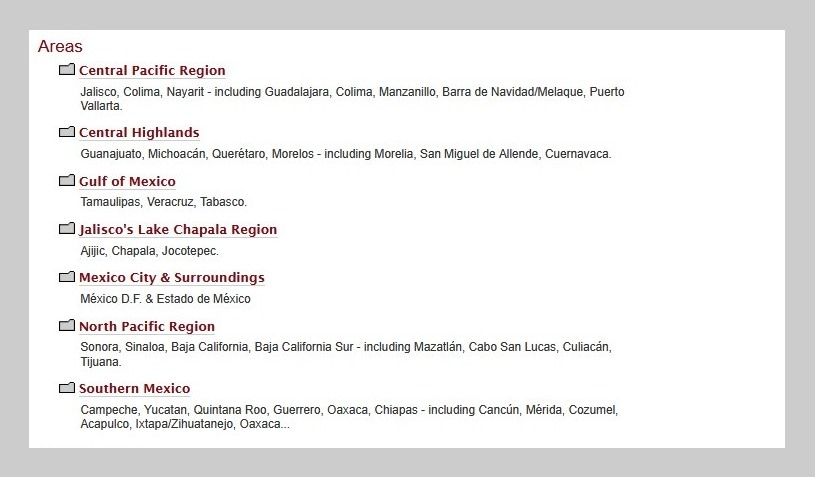
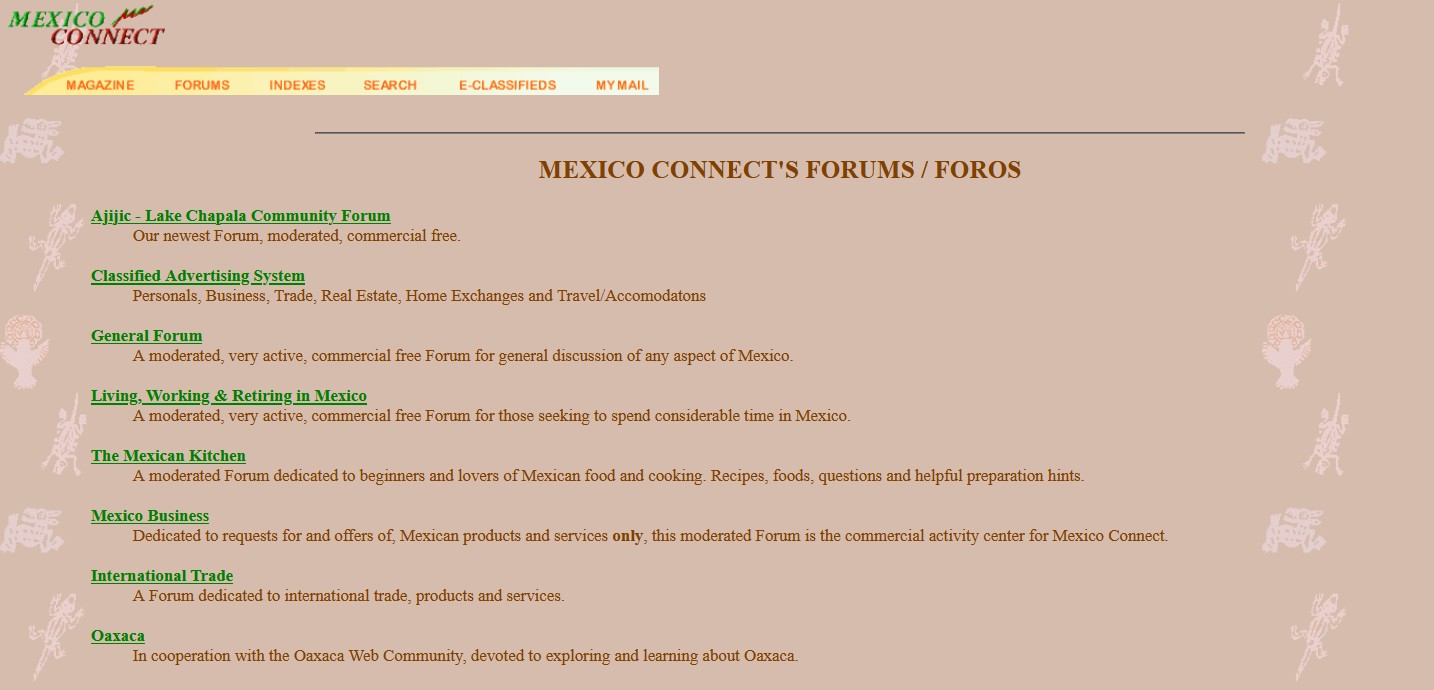
The world famous MexConnect forums (1996-2019) have been archived and are no longer being updated. To access read-only versions of the entire forums (200,000 posts in 30,000 threads), please try the following link:
The MexConenct forums were among the earliest interactive discussion boards on the web. Under the overall direction of MexConnect founder David McLaughlin, all threads and comments were moderated by a team of Mexico experts (including the incomparable Rolly Brook, Cristina Potters and many others) who helped guide discussions to stay on track (more or less). Our experienced moderators helped ensure that comments on the forum were as polite, inclusive and useful as possible for our many readers.
The rise of mass social media, such as Facebook et al., eventually provided alternative ways to share, discuss and distribute information, even if we old-timers can only lament the almost complete lack of any reliable content moderation or fact-checking.
Here we have archived some of the more interesting, useful, and/or popular posts from our old forums. Please note that information in these threads may no longer be entirely up-to-date. The full list of saved threads is available by clicking here: Forum Archives
As a preview, here are some of the available saved threads:
The following is a practical guide to driving in Mexico compiled from experiences over the last several years. Driving in Mexico, in my opinion, is no more hazardous than driving anywhere else, however, it is different than driving in the United States or Canada. There are simply different things you have to be on the […] Posted by Norm Wain on Junio 28, 2000 Wanting to be reasonably close to San Diego for my family in California and Kaiser HMO, I am probably moving to the Ensenada area later this year and hope to connect with people via e-mail who will be willing to answer some questions for me. I lived […] Posted by Fernando on August 31, 1999 My family spent nine weeks based in Morelia in June-August 1999. This was our third summer in Mexico, with the summers of 1997 and 1998 in Oaxaca and Xalapa, respectively. Planning an extended stay in Morelia using information from Lonely Planet, Rough Guide, Moon, Mexico/Central America Handbook, Let’s […]Driving in Mexico: A short practical guide
Living the retired life in Ensenada
Trip report: Morelia, Michoacan
To access the Home Page of the new MexConnect website, please use this link:
The main sections of MexConnect website are:
- Culture and Arts
- Food and Cuisine
- History and People
- Living, Working and Retiring
- Travel and Destinations
Welcome to MexConnect – please explore our site and enjoy!
Saludos,
Your friends at MexConnect, the world’s largest content website about Mexico.